The short answer: there’s nothing to register
No. There is no sign-up form, business directory or profile you can claim inside ChatGPT, Google Gemini, Perplexity or Siri. AI assistants don’t keep a list of businesses that applied to be included.
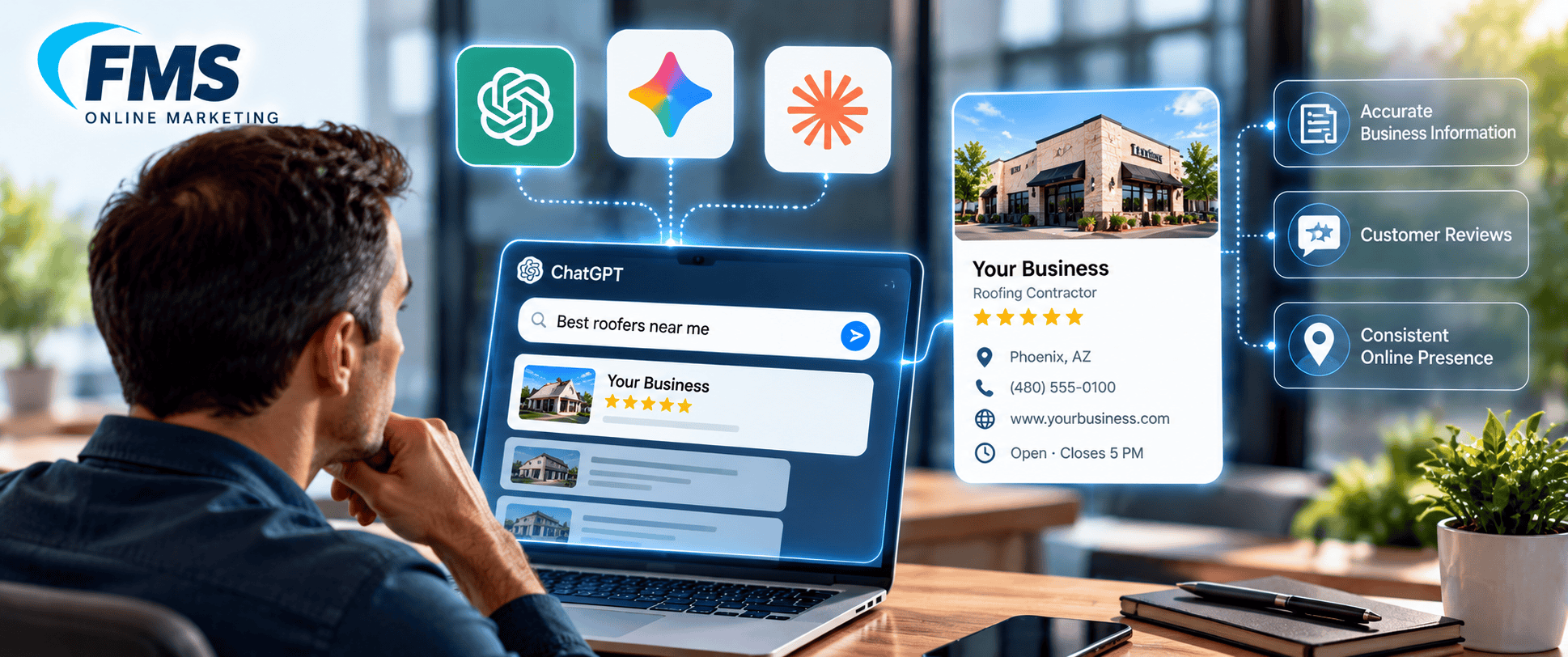
Instead, they assemble an answer from sources that already exist: map listings, review sites, directories and your website. When someone asks “Who’s a good AC repair company near me?”, the AI looks at those sources, checks whether they agree with each other, and names the businesses it can confirm.
That’s good news. You don’t need a new account or another monthly fee. You need the listings you already have to be complete, accurate and consistent, plus a few you may have ignored.
Where AI tools actually get local business information
Each AI assistant leans on a different set of sources. That’s why a business can show up in Google’s AI Overviews and still be missing from ChatGPT.
| AI tool | Where its local business info comes from | The profile you control |
|---|---|---|
| Google AI Overviews, AI Mode, Gemini | Google’s own Maps and Business Profile data, plus web results | Google Business Profile |
| ChatGPT | Licensed Yelp reviews, photos and business details (announced July 2026), plus live web results, widely reported to lean on Bing | Yelp, Bing Places, your website |
| Siri and Apple Intelligence | Apple Maps place data | Apple Business Connect |
| Perplexity | Live web search results and review sites such as Yelp | Yelp, your website, directories |
OpenAI hasn’t published a complete list of where ChatGPT gets local data, so treat its row as what’s confirmed or widely observed, not the full picture. The pattern is clear either way: the more places your business shows up with the same name, address, phone number and services, the easier it is for AI to trust you.

What OpenAI does offer businesses, and why none of it is a listing
You may have seen ChatGPT programs for businesses and assumed one of them was a sign-up. Here’s what each one actually is:
- The “Get Quote” beta. ChatGPT can show a Get Quote button on some local business results. OpenAI’s developer documentation says it’s in beta with approved partners. Those partners are platforms that send ChatGPT a feed of many businesses and run the quote form, not individual contractors. Yelp’s quote feature is one of the integrations announced.
- The merchant program. This is for retailers who want their products to show up in ChatGPT shopping results. It’s a product feed, not a local service listing.
- ChatGPT ads. Sponsored placements are a paid ad product. An ad is labeled as an ad and doesn’t change whether ChatGPT recommends you in its regular answer.
- Custom GPTs and ChatGPT Business. A custom GPT is a branded chatbot you build. ChatGPT Business is a paid workspace plan for your own team. Neither one puts your company into answers when a homeowner asks for a plumber.
For a typical HVAC, roofing or auto repair shop, none of these replaces the basics. The listings below are what most local recommendations still come from.
Red flag: anyone selling a “ChatGPT listing”
If a cold email or a salesperson offers to “submit” or “register” your business with ChatGPT, Gemini or Siri for a fee, walk away. No such registration exists, so you’d be paying for something that can’t be delivered.
The same goes for guaranteed AI rankings. Nobody controls what an AI assistant says. A legitimate agency will talk about improving the sources AI reads and tracking whether you show up, not promise a spot. Our 12 Questions to Ask Before Hiring a Local SEO Company covers how to spot these pitches.
What to do instead: make your business easy for AI to confirm
AI recommends businesses it can verify from several places at once. Work through this list in order:
- Complete your Google Business Profile. Use the right primary category, list every service, set accurate hours and service areas, and add real job photos. This feeds Google’s AI answers directly.
- Claim and fill out Yelp. Since the OpenAI licensing deal, your Yelp profile feeds ChatGPT. Match your categories, services and service area to your Google profile, even if you’ve never liked Yelp.
- Claim Bing Places. It’s free, it can import from your Google profile, and many experts believe ChatGPT’s web search leans on Bing.
- Claim Apple Business Connect. This is what Siri and Apple Maps use. Every iPhone owner asking Siri for a plumber is reading this data.
- Match your name, address and phone number everywhere. A different suite number, an old phone number or “Co.” in one place and “Company” in another makes it harder for AI to confirm you’re one business. See Local Citations vs Backlinks.
- Earn steady reviews on more than one platform. Ask happy customers for reviews on Google first, then point some to Yelp or an industry site. Reviews that mention the service and the city help most.
- Answer real questions on your website. Clear service pages, city pages and FAQs give AI something to quote. Add LocalBusiness schema markup so your details are machine-readable.
- Get mentioned in your community. Chamber of commerce listings, local news coverage, sponsorships and trade associations give AI independent sources that you’re real and reputable.
For the full picture of what AI looks for, read What Information Does AI Need Before It Can Recommend a Local Business?
How to check whether AI tools know your business
You can run a basic check yourself in about 15 minutes, with no paid tools:
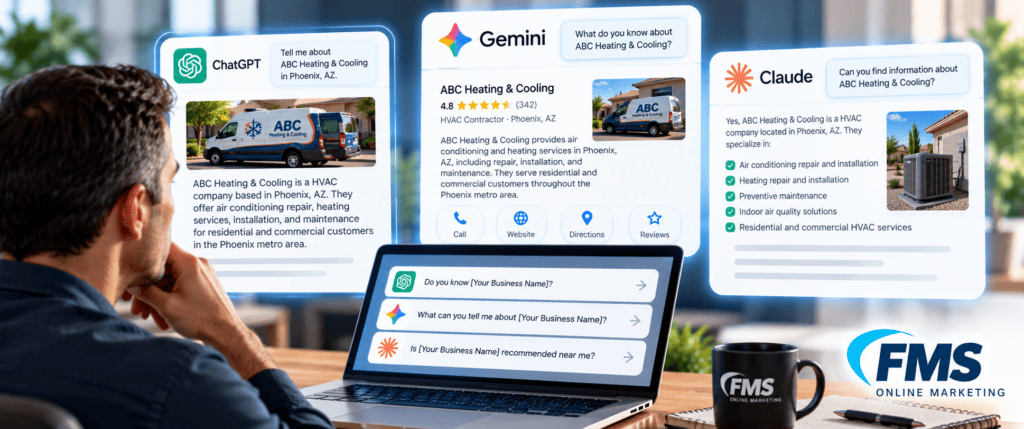
- Ask the question your customers ask. In ChatGPT, Gemini, Perplexity and Siri, try “Who’s the best [service] in [your city]?” and “Who can fix [common problem] near [neighborhood]?” Write down who gets named.
- Ask about you by name. Try “What do you know about [business name] in [city]?” Check the phone number, hours, services and service area it repeats back.
- Note what’s wrong or missing. A wrong phone number or an old address usually traces back to one outdated listing. Fix it at the source.
- Repeat monthly. AI answers change often, so a one-time check doesn’t tell you much. Track the same questions over time.
In Google Analytics, visits from ChatGPT usually show up with chatgpt.com as the source. Adding “ChatGPT or AI assistant” to your “How did you hear about us?” options catches the callers who never visit your website.
Frequently asked questions
Can I add my business to ChatGPT?
No. ChatGPT has no self-serve business listing. It recommends businesses based on sources like Yelp, web search results, directories and your website.
Does ChatGPT use my Google Business Profile?
Not directly. ChatGPT doesn’t have a direct connection to Google’s business data. Google’s own AI tools, like AI Overviews and Gemini, do rely on Google Business Profile and Maps data.
How do I get my business on Siri?
Claim your free Apple Business Connect listing and keep your hours, categories and contact details current. Siri pulls local answers from Apple Maps data.
Is there a fee to appear in AI search results?
No. Recommendations in regular AI answers are free and can’t be bought. Paid ads exist on some platforms, but they’re labeled as ads and are separate from the recommendations.
How long does it take to show up in AI recommendations?
There’s no set timeline. Fixing listings can be reflected within weeks, while building reviews and local mentions takes months. Businesses with a strong Google Maps presence usually have a head start.