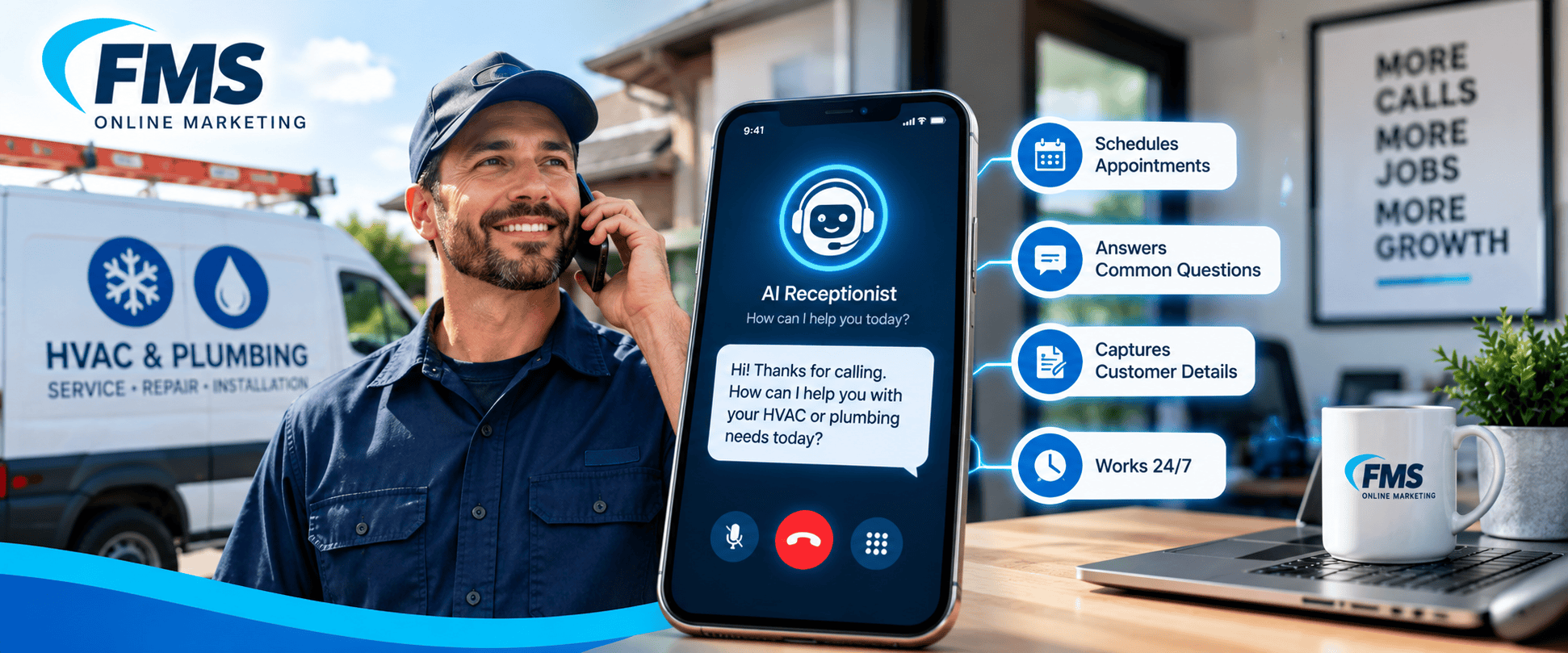
The short answer
For most HVAC and plumbing companies, an AI receptionist is worth it as a safety net: after hours, on weekends, and when the office is slammed. It’s usually not worth it as a full replacement for a good dispatcher or office manager.
The reason is simple. A caller with a broken AC in July or water on the floor doesn’t leave a voicemail. They call the next company on the list. Anything that answers that call, takes the details and books the job beats a ringing phone. But emergencies, upset customers and complicated jobs still need a person, so the AI has to know when to hand the call off.
This guide covers what AI receptionists do well, what they cost, how customers react to them, and how to set one up without losing jobs.
What missed calls cost a home service company
Most contractors miss more calls than they think. Call-tracking benchmarks put the share of unanswered calls to home service businesses somewhere between about 14% (CallRail) and 27% (Invoca). The rate climbs during peak season and on weekends, when emergency calls keep coming but fewer people are in the office.
Run the math on your own shop instead of trusting anyone’s average:
- Count your inbound calls for a typical month.
- Multiply by your missed-call rate (your phone system or call tracking shows this).
- Multiply by the share of callers who would have booked.
- Multiply by your average ticket.
Example: 400 calls a month × 20% missed × 40% booking rate × $450 average ticket = $14,400 a month in jobs that went to someone else. Even if your numbers are half that, a 100–300 monthly tool pays for itself quickly.
Those calls also cost you twice. You already paid to make the phone ring, through SEO, Google ads or Local Services Ads.
What an AI receptionist handles well, and where it falls short
AI is good at structured, repeatable calls. It struggles when a call needs judgment, empathy or a decision the business owner would normally make.
| Handles well | Needs a human |
|---|---|
| Answering every call, 24/7, even several at once | A true emergency: gas smell, flooding, no heat for an elderly customer |
| Hours, service area, “do you work on Trane units?” | An angry customer or a complaint about a past job |
| Taking the caller’s name, address, problem and photos by text | Quoting a replacement system or a large repair |
| Booking into your calendar or field-service software | Warranty disputes and billing problems |
| Texting a confirmation and the tech’s arrival window | Callers who say they want a person |
| Screening out robocalls and sales pitches | Anything it wasn’t trained on |
The biggest risk is an AI that improvises. It should never invent a price, promise a same-day arrival you can’t make, or give safety advice on a gas leak. Those calls should go straight to a person or your on-call tech.

What it costs
AI receptionists are the cheapest way to cover the phone around the clock. The tradeoff is that they need setup and ongoing tuning.
| Option | Typical cost | Coverage | Best for |
|---|---|---|---|
| AI receptionist | $25–$300 a month (OnceHub) | 24/7, unlimited simultaneous calls | Overflow, after-hours, booking routine calls |
| Human answering service | $175–$700 a month at small-business volume (OnceHub) | 24/7, but often scripted and can’t see your schedule | Emergencies that need a calm human voice |
| In-house receptionist or CSR | About $30,000–$45,000 a year in salary, plus 20–30% for benefits (Sameday) | Business hours, one call at a time | Sales calls, upset customers, dispatch decisions |
Watch the pricing model. Plans billed per minute or per call can spike during your busiest month, which is exactly when you need the coverage. Flat plans with a call cap are easier to budget. Ask about extra fees for connecting your scheduling software.
Many shops land on a mix: their own staff during the day, AI for overflow and nights, and an on-call tech for real emergencies.
How customers feel about talking to AI
Customers accept AI for simple things but want a person when it matters. In a July 2026 survey of 2,003 U.S. consumers, about two-thirds said they want a human for anything important (Answering Service Care). In another survey, roughly 1 in 3 said they would hang up if forced to talk to AI (AnswerConnect via PR Newswire).
Keep in mind that both surveys were run by companies that sell human answering. They also asked people to imagine AI answering on purpose, not AI picking up a call that would otherwise go to voicemail. For a homeowner at 9 p.m. with no AC, an AI that books a morning appointment is far better than no answer.
What makes the biggest difference is whether the AI can actually do something. Agents that can text, transfer a call or book an appointment had roughly 30–40% lower odds of a caller hanging up (The Sociable). An AI that only takes a message feels like voicemail with extra steps.
How to roll it out without losing jobs
- Start with overflow and after-hours. Let the AI pick up only when your team can’t, or after you close. Expand from there once you trust it.
- Write down your emergency rules first. Decide which calls go straight to the on-call tech: gas smell, active leak, no heat below a set temperature, no AC above a set temperature. Make the AI transfer or text those immediately.
- Train it on your real business. Load your services, brands you work on, service area by city or ZIP, hours, diagnostic fee and financing options. Tell it what not to quote.
- Connect it to your schedule. Booking directly into ServiceTitan, Housecall Pro, Jobber or your calendar is what turns an answered call into a job.
- Always offer a person. Make “talk to someone” work at any point, and tell callers up front that they’re speaking with an automated assistant.
- Test it like a customer. Call in with a confusing problem, an upset tone and an emergency. Check that it hands off cleanly instead of looping or hanging up.
- Follow up on every AI call. Have someone review transcripts daily for the first month and call back anyone the AI didn’t fully help.
Two legal notes: AI receptionists record and transcribe calls, so check your state’s call-recording consent rules. And if the system makes outbound calls or texts, follow the FCC’s consent rules for automated calls. Ask your vendor how they handle both.

How it ties into your local SEO
Local SEO makes the phone ring; answering it is what turns that work into revenue. If your rankings are up but booked jobs aren’t, missed calls are one of the first places to look. Our post on why traffic isn’t turning into phone calls covers the rest.
A few things to get right when you add an AI receptionist:
- Keep your main business number the same. Forward calls to the AI behind the scenes. Don’t swap the number on your Google Business Profile, website or listings, because a mismatched number confuses customers and search engines.
- Keep call tracking intact. Make sure the AI setup doesn’t break the tracking numbers that show which calls came from Google Maps, your website or ads.
- Feed the transcripts back into your website. The questions callers ask the AI every week are the questions your service pages and FAQs should answer. That helps both Google and AI search tools understand what you do.
- Turn good calls into reviews. A quick follow-up text after the job, with your Google review link, closes the loop.
Frequently asked questions
What is an AI receptionist? An AI receptionist is software that answers your business phone with a natural-sounding voice. It can answer common questions, collect job details, book appointments and transfer urgent calls to a person.
How much does an AI receptionist cost for a small business? Most plans run $25 to $300 a month. Higher-volume or managed plans cost more, and some vendors charge per minute or per call.
Can an AI receptionist handle HVAC or plumbing emergencies? It should recognize an emergency and route it, not handle it. Set it to transfer or text your on-call tech right away for gas, flooding or no-heat calls.
Will customers hang up on an AI receptionist? Some will, especially for urgent or complicated calls. Hang-ups drop when the AI can book appointments and transfer to a person on request.
Is an AI receptionist better than an answering service? It’s cheaper and can book directly into your schedule. A human answering service is better for emotional or high-stakes calls. Many contractors use AI for routine calls and keep a human option for emergencies.