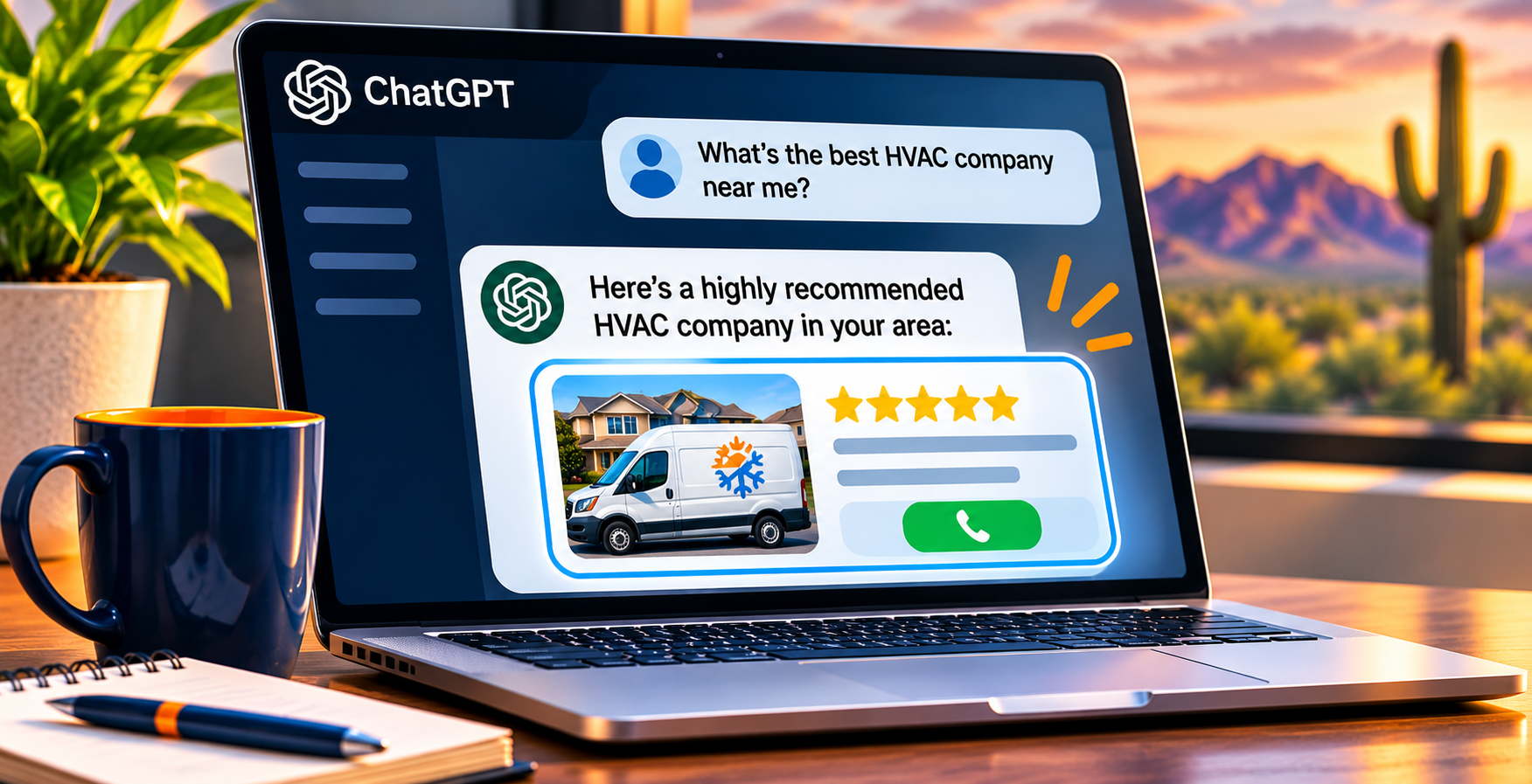
More owners are hearing new customers say, “I found you on ChatGPT.” The problem is that most analytics setups lump those visits in with everything else, so you can’t tell if AI search is bringing in work or just making noise. Here is how to find out.
The short answer
You track customers from AI search by combining four sources: the AI Assistant channel in Google Analytics 4, Google Search Console for AI Overviews and AI Mode, call and form tracking on your website and Google Business Profile, and a “How did you hear about us?” question at intake. No single tool sees everything, so you line them up each month and watch the trend.
It takes more than one tool for a simple reason. Some AI tools pass a clean referral to your website. Google’s own AI features get counted as regular search. And a lot of people read an AI answer, then pick up the phone without ever clicking. If you only watch website visits, you miss the calls, and calls are what pay the bills for a contractor.
7 steps to track whether AI search is sending you customers
Work through these in order. Most owners can set up the first five in an afternoon, or hand them to whoever manages their website.
Step 1: Write down where your customers come from today
Before you measure anything new, get a baseline. Pull last month’s Google Business Profile calls, website form leads, and website calls. Then note how many new customers you booked in total.
Say a roofing company in Mesa booked 40 inspections last month and could trace 27 of them to a source. The other 13 are “unknown.” That unknown pile is where AI-driven customers often hide. You need to know how big it is before you can shrink it.
Step 2: Check the AI Assistant channel in GA4
Google Analytics 4 now sorts visits from recognized chat bots into their own channel, called AI Assistant. You can see how Google defines it in its default channel group definitions. In GA4, open Reports, then Acquisition, then Traffic acquisition, and look for the AI Assistant row.
ChatGPT also tags its links. OpenAI’s publishers and developers FAQ says ChatGPT automatically adds utm_source=chatgpt.com to referral URLs. If you see chatgpt.com as a session source, someone clicked through from a ChatGPT answer.
Look at which pages those visitors land on. If a plumbing company sees ChatGPT visitors landing on its water heater replacement page, that page is getting cited in AI answers. Keep it accurate and up to date. Pages that answer one clear question tend to get picked up, which is a big part of generative engine optimization and of good plumbing SEO.
Step 3: Add a custom channel group to catch the rest
The built-in channel doesn’t recognize every AI tool. Some visits, such as those from Perplexity, can still land in Referral. A custom channel group fixes that. Google’s help page on custom channel groups explains the basics: you copy the default group, add a channel, and set rules for it.
- In GA4, go to Admin, then Data display, then Channel groups.
- Click Create new channel group and name it something like “AI search.”
- Add a channel called AI Tools with the rule Source matches regex.
- Paste a pattern such as .*(chatgpt|perplexity|gemini|copilot|claude).*
- Reorder the list so the AI channel sits above Referral, then save.
Order matters because GA4 puts each visit in the first channel it matches. If Referral sits above your AI channel, the AI channel never sees those visits. Once it’s saved, switch the Traffic acquisition report to your new group to see AI tools on their own row.
Step 4: Check Search Console for Google’s AI features
Clicks from AI Overviews and AI Mode don’t show up as AI traffic in GA4. They count as regular Google search. Google’s guide to AI features and your website says sites that appear in AI Overviews and AI Mode are included in overall search traffic in Search Console, in the Performance report under the “Web” search type.
Google has also been rolling out a separate generative AI performance report in Search Console that shows how often your pages appear inside those AI features. If you have it, note which pages get AI impressions. If you don’t, watch your Performance report for question-style searches like “how much does it cost to replace a water heater in Phoenix” and the pages that show for them. Our post on whether local businesses should pay attention to AI Overviews explains why those searches matter.

Step 5: Track calls and forms, not just visits
A visit is not a customer. Set up key events in GA4 for the actions that count: taps on your phone number, form submissions, and booking requests. Then you can see whether AI visitors actually contact you or just read a page and leave. If your site makes it hard to call, an SEO-ready website built around calls and forms fixes that first.
Don’t forget your Google Business Profile. Its performance report shows calls, website clicks, and direction requests. Google counts taps on the Call button, so a customer who dials your number by hand won’t show up there. Dedicated call tracking numbers on your website close more of that gap. If your traffic is up but calls aren’t, our post on getting website traffic but not more phone calls covers the most common leaks.
Step 6: Ask every new customer how they found you
This is the step most owners skip, and it catches what software can’t. Many people read an AI answer, search your business name, and call. Analytics files that as a direct visit or a branded search. Only the customer knows ChatGPT sent them.
Add “AI assistant (ChatGPT, Gemini, etc.)” as an option on your web form and to your intake script. A transmission shop in Glendale could have the front desk ask, “How did you hear about us?” on every new ticket and log the answer in its CRM. After 60 days, the shop has a real count instead of a guess.
Step 7: Test AI answers monthly and review it all together
Once a month, ask ChatGPT, Gemini, and Google AI Mode the questions your customers ask, like “best AC repair near Surprise AZ” or “who fixes hail damage on roofs in Peoria.” Write down whether your business shows up, what the answer says about you, and which sources it cites.
Then put everything on one page: AI Assistant sessions, custom AI channel sessions, AI-related Search Console queries, calls and forms from AI visitors, and intake answers. The trend matters more than any single month. If AI mentions go up and “found you on ChatGPT” answers go up with them, it’s working. If not, our guide on getting your business recommended by ChatGPT and AI search covers what to fix. This same monthly review is built into our AI SEO and local SEO work.
AI search tracking checklist
- ☐ Write down last month’s lead sources as a baseline
- ☐ Find the AI Assistant row in GA4 Traffic acquisition
- ☐ Filter GA4 for chatgpt.com as a session source
- ☐ Create a custom “AI search” channel group with a regex rule
- ☐ Move the AI channel above Referral and save
- ☐ Check Search Console for question-style queries
- ☐ Open the generative AI report in Search Console if you have it
- ☐ Set up GA4 key events for calls, forms, and bookings
- ☐ Review Google Business Profile calls every month
- ☐ Add an “AI assistant” option to your form and intake script
- ☐ Test your top five customer questions in ChatGPT, Gemini, and AI Mode monthly
What each tracking method shows you
| Tracking method | What it shows | What it misses |
|---|---|---|
| GA4 AI Assistant channel | Clicks from recognized chatbots like ChatGPT and Gemini | Some AI tools, and people who never click |
| Custom AI channel group | Clicks from AI tools the default channel misses | Visits that arrive with no referrer |
| Search Console | Google search visibility, including AI Overviews and AI Mode | ChatGPT and other non-Google AI tools |
| GA4 key events | Calls, forms, and bookings by channel | Calls dialed by hand after reading an AI answer |
| Google Business Profile performance | Call taps, website clicks, and direction requests | What sent the person to your profile |
| “How did you hear about us?” | What the customer remembers, including AI answers | Customers who skip the question or forget |
| Monthly AI answer tests | Whether AI tools mention and recommend you | Actual visits or calls |
Frequently asked questions
Can Google Analytics track traffic from ChatGPT? Yes. GA4 groups visits from recognized chat bots, including ChatGPT, in its AI Assistant channel. ChatGPT also adds utm_source=chatgpt.com to its links, so you can filter for that source in the Traffic acquisition report.
Does Google Search Console show AI Overviews traffic? Yes. Google includes clicks and impressions from AI Overviews and AI Mode in the Performance report under the Web search type. Some properties also have a separate generative AI report that shows AI impressions on their own.
Why does AI traffic show up as direct traffic? Some AI apps don’t pass referral information, and many people read an AI answer, then type in your business name or call you directly. Those visits look like direct or branded search, which is why asking customers how they found you matters.
How long before I can tell if AI search is working? Give it 60 to 90 days of clean tracking. Monthly numbers bounce around, so look at the trend across a few months instead of judging one month on its own.
Do I need to hire someone to track AI search traffic? Not always. An owner can check the AI Assistant channel and add an intake question in an afternoon. Custom channel groups, key events, and call tracking are easier to hand off to whoever manages your website or SEO.