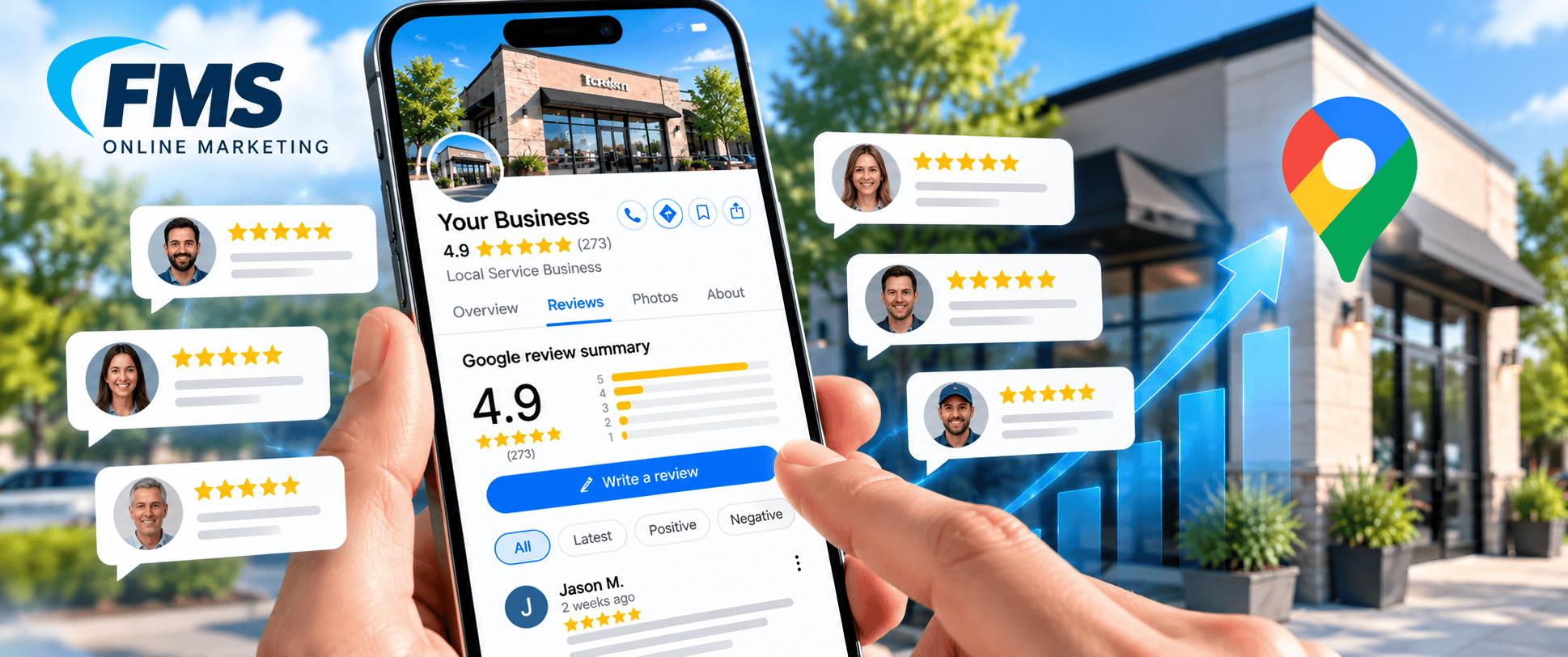
You’re probably checking your phone after a long job, hoping the last customer left a good review and wondering why the profile still doesn’t feel like it’s “doing” anything. That’s a common place to be. Google Business Profile reviews aren’t just compliments sitting on a listing, they’re part of a live system that affects trust, visibility, and whether a stranger decides to call you instead of the next business in the map results.
For a service business, the mistake is treating reviews like a tip jar. The businesses that win usually treat them like operating data, something that needs collection, monitoring, response, and cleanup. That mindset changes everything, because a review is not only about the star count, it’s also about recency, wording, owner replies, and whether Google even shows it consistently.
Table of Contents
- What Every Local Business Owner Gets Wrong About Reviews
- How Google Business Profile Reviews Work
- Why Reviews Are a Direct Local SEO Signal
- Writing Review Responses That Actually Build Trust
- The Weekly Review Management Workflow
- What Service Businesses Should Actually Read in Reviews
- When Reviews Disappear, Get Delayed, or Look Wrong
- Key Takeaways and Common Questions
What Every Local Business Owner Gets Wrong About Reviews
The most common mistake is thinking review work happens only after the job is done. In real life, the review system starts much earlier, right after the customer has seen your truck, your crew, your invoice, and your follow-up. If that experience was clear and professional, the review usually reflects it.
A second mistake is chasing a burst of five-star reviews and then going quiet. Google review trust is shaped by freshness, not just volume, and consumers behave that way too. A 2026 BrightLocal-based statistic compilation says 88% of consumers read Google reviews before choosing a local business, 68% will not use a business rated below 4 stars, 31% only consider businesses with at least 4.5 stars, and 73% require recent reviews for trust, with reviews older than 30 days carrying less weight (source). That means one good month can’t carry you forever.
The real job of a review
A review performs three functions simultaneously. It informs a prospect what to expect, it signals to Google whether the business appears active, and it provides your team with feedback on what customers notice. If you’re in plumbing, roofing, HVAC, or auto repair, that feedback is often more useful than the rating itself.
Practical rule: A profile with steady recent reviews usually looks healthier than a profile with a larger but stale review count.
Think of the profile like a dashboard in a truck. If the fuel gauge is accurate but the speedometer is frozen, you still don’t know whether you’re moving in the right direction. Review strategy works the same way, because the score alone doesn’t tell the full story.
For service businesses that want help turning that dashboard into a real local search system, the mechanics are part of the broader Google Business profile work, not a separate task you handle once a year.
How Google Business Profile Reviews Work
A Google review is more than a line of text on a profile. It is a structured record that Google can sort, display, moderate, and connect to other profile data. According to Google’s developer documentation, the review payload includes a reviewId, starRating, comment, createTime, reviewer identity fields, and a reply object with its own comment and update time.
That structure changes how review management works. A review behaves more like a labeled package in a warehouse than a sticky note on a wall. Google can move it, hide it, delay it, or pair it with your response, and each of those actions changes how customers experience your reputation.
Where reviews show up
Public reviews can appear in Search, Maps, and the owner dashboard, but those surfaces do not always behave like one synchronized feed. Google’s support guidance points owners to the profile dashboard’s Reviews and Performance areas, while external reporting tools often track review count, average rating, trend velocity, response rate, and time-to-reply across locations . For a single shop, that may feel manageable. For a multi-location brand, it becomes a reporting problem.
That is why people get confused. They see one version of the profile, their customer sees another, and the dashboard shows something in between. The review exists as data, but the surface you are looking at may not show the full picture.

When you understand that structure, the next step becomes clearer. Ask, “What did Google store, what did Google show, and what reply did we attach to it?” That question is much closer to how the system behaves.
The Google Business Profile optimization process works better when reviews are treated as records with lifecycle stages, not as public praise you hope shows up everywhere at once.
Why Reviews Are a Direct Local SEO Signal
A review profile is not just a row of stars. It is a stream of signals Google can read in the same way it reads photos, categories, service areas, and replies. A steady flow of recent reviews tells the system the business is active. Thin, stale, or uneven review activity tells a different story.
That is why review velocity matters. A profile that earns reviews at a steady pace usually looks more alive than a profile with a larger total that stopped growing months ago. For a service business, that difference can matter as much as the raw rating, because Google is trying to estimate whether the business is still earning attention and still serving the kind of jobs it says it does.
Sentiment matters too, but not in a simplistic “more praise is better” way. Google can see whether reviewers mention the same service type, whether they describe outcomes that match the listing, and whether complaints are being answered in a way that shows the business is still paying attention. A review set that includes specific, job-based language helps the profile look grounded in real work instead of generic praise.
Response quality is part of that signal. A reply that names the issue, answers the concern, and sounds like the business handled the job gives Google and the customer another piece of evidence that the listing is active. The profile starts to resemble a living record, not a static ad.
Service businesses feel this most clearly. A plumber, roofer, or HVAC company does not need a wall of vague compliments. It needs reviews that describe the kind of work being sold, plus responses that show the owner or office team can keep track of what happened. That is one reason the local SEO benefits of Google reviews are often stronger for service companies than owners expect, because the review content itself helps Google connect the business to real local demand.
The practical SEO value comes from structure, not hype. Reviews help when they arrive steadily, mention the right services, and receive replies that match the tone of the job. That combination gives Google a clearer trust pattern to work with, and it gives shoppers a profile that feels current instead of frozen in time.
Google Business Profile optimization works better when reviews are treated as part of the listing’s operating data, not just as public praise.
Writing Review Responses That Actually Build Trust
A weak response sounds like it was copied from a template at the end of a busy day. A strong response sounds like someone worked the job, noticed the issue, and cared enough to answer like a professional. The difference shows up immediately to future customers.
If you want a practical framework for tone and structure, the guide on how to reply to customer reviews is worth reviewing once, then adapting to your own brand voice. The useful part isn’t the template itself, it’s the discipline of responding with specifics.
Review Response Patterns That Win Trust
| Situation | Weak Response Pattern | Strong Response Pattern | What It Signals |
|---|---|---|---|
| Routine 5-star review | “Thanks for the kind words.” | “Thanks for trusting us with the water-heater replacement, and for mentioning how clean the install area was when we left.” | You noticed the job, not just the rating. |
| Review mentioning a tech | “We appreciate your feedback.” | “I'll share this with Miguel. He'll appreciate hearing that his explanation of the repair helped you feel comfortable with the work.” | The team is visible and accountable. |
| One-star complaint | “Sorry you feel that way.” | “I'm sorry we missed the window we promised. That's on us. Please call the office so we can review the appointment and fix what happened.” | Ownership, not defensiveness. |
| Mixed review about pricing | “Our prices are fair.” | “We understand the estimate felt higher than expected. We explained the scope based on the parts and labor needed, and we're happy to review it with you offline.” | You can handle price tension without arguing. |
A good response does three things. It names the job or issue, it shows what the company did next, and it gives the customer a clear path forward if something needs to be fixed. For a negative review, that last part is critical, because future readers are judging your process as much as the complaint.
Keep responses short when the review is simple. Go longer only when the customer raised a real service issue or made a detailed point that needs context. If a review gets hostile, the goal isn’t to win the argument in public. The goal is to show calm, ownership, and a path to resolution.
The Weekly Review Management Workflow
A healthy review system needs a rhythm. Without one, you end up reacting only when someone complains or when a salesperson remembers to ask for a review after a good job. That leaves gaps, because reviews arrive like field notes from the customer experience, and field notes only help when someone reads them.
For a single-location service business, the weekly workflow can stay simple. Set one block of time for requests, one pass for replies, one quick check for problems, and one monthly look at patterns. That keeps the system moving without turning it into a full-time admin project.

A workable weekly rhythm
- Monitor new reviews. Check for fresh feedback on a set schedule so nothing sits unanswered.
- Respond to positive reviews. Thank the customer, mention the job, and reinforce the outcome they cared about.
- Address negative reviews promptly. Keep the response calm, specific, and focused on fixing the issue.
- Encourage new reviews. Ask after completed work, when the experience is still clear in the customer’s mind.
A multi-location business follows the same loop, but the reporting gets harder. Google’s performance reporting is useful at the profile level, yet it does not give you one native cross-location review view. Operators often need exports or API-based consolidation to compare trends across branches, which is a separate operational task from reading comments one by one. Google’s own help resources point users toward analytics and reporting inside Business Profile support, but teams still have to assemble a broader view themselves.
Practical rule: If a review gets complicated, write the reply fast, then move the conversation to phone or direct message.
A good weekly habit does not need to be fancy. It needs to be reliable enough that customers see activity, Google sees activity, and your team does not lose track of unresolved complaints. Consistency beats heroic cleanup every time.
What Service Businesses Should Actually Read in Reviews
A roofer, plumber, HVAC contractor, or auto shop should read reviews like a diagnostic report, not a scoreboard. The star rating tells you the temperature, but the wording tells you which system is working and which one needs attention. If customers keep mentioning timeliness, cleanup, or clear pricing, those are not random compliments. They’re the reasons people chose you and the proof they’re willing to repeat.
Search for themes, not just praise
Look for repeated phrases such as “showed up on time,” “explained everything clearly,” “cleaned up after the job,” or “fixed it the first time.” Those themes map directly to service quality in trades work. They also give your sales team language customers already use, which is safer and more believable than polished marketing copy.
Service-area businesses also need to pay attention to how the review talks about the job itself. A review that says the crew handled an emergency leak calmly is different from a generic “great service.” The first one tells you what kind of work built trust, and it can guide how you present similar services on your site and in posts.
For plumbing companies specifically, the internal examples in why plumbing companies must prioritize their Google Business Profile and website rankings line up with this approach because both the profile and the website should reflect the same service proof.
How to use the language without fabricating anything
- Tag reviews by job type. Separate water-heater installs, drain cleaning, roof repairs, brake work, or AC replacements.
- Tag reviews by outcome. Note whether the customer praised speed, communication, cleanliness, or problem resolution.
- Reuse themes, not testimonials. If several customers mention “same-day help,” that phrase can guide service page wording without quoting any one person.
- Match the proof to the page. Put cleanup proof on a service page about emergency repairs, not on a generic homepage paragraph.
Reviews become market intelligence in this context. They tell you what the customer notices, which is often different from what the business thinks it did well. When that difference is obvious, your operations and your marketing usually need to line up better.
When Reviews Disappear, Get Delayed, or Look Wrong
A profile with fewer reviews than expected can make any owner assume something was deleted or broken. The situation is usually less dramatic than it feels. Google’s own help center says reviews can be missing or delayed, and moderation or policy issues can stop a review from appearing at all.
Google Maps also acts like a filter, not a simple mailbox. Its systems block spam and suspicious activity, and Google has said it removed or blocked large volumes of policy-violating reviews, inaccurate edits, posting-restricted accounts, and fake Business Profiles (Google Maps update). That helps explain why a customer may say they left a review, while the profile shows nothing, or shows something later than expected.
The first check is the owner dashboard. If the review appears there but not on the public profile, the issue may be a display delay rather than a true loss. If it never appears in the owner view, the problem is more likely tied to moderation, the reviewer’s account, or a posting issue.
A calm diagnostic checklist
- Check the owner dashboard first. If the review is visible there but not publicly, treat it as a display problem before assuming removal.
- Look for policy problems. Google can filter reviews that look spammy, incentive-driven, repetitive, or otherwise out of line with its rules.
- Check the reviewer’s account state. If the reviewer deleted their Google account, the review can disappear with it.
- Separate delay from removal. A missing review is not always gone. Sometimes it has not surfaced yet.
Service businesses also need to account for how Google handles non-storefront profiles. Google’s service business guidance explains that review experiences can differ for businesses that serve customers in the field rather than at a public location. For plumbers, HVAC teams, roofers, and similar operators, that matters because a profile can look different depending on how Google is showing the business area and how the account is being viewed.
For owners who want a broader pattern check, a Google Maps updates and protection feed can help separate a one-off display issue from a wider account or moderation problem. If the review looks wrong, do not jump to duplicate profiles or other workarounds. Verify what the owner sees, document what is missing, and use Google’s support path if the profile still looks inconsistent.
Key Takeaways and Common Questions
Google Business Profile reviews work best when you treat them like a living system. That means you care about recency, rating, reply quality, and visibility problems, not just the total count. It also means you build a habit around asking, monitoring, and responding instead of waiting for a lucky streak.
For service businesses, the fastest wins usually come from the basics. Ask for reviews after completed jobs, reply with specificity, watch for recurring themes, and check the dashboard whenever a review seems missing. If you manage multiple locations, centralize the data instead of guessing from one branch at a time.
How many new reviews do you need each month? There isn’t a universal number in the data here, so think in terms of consistency. A steady stream looks more credible than a one-time surge.
Do you need to respond to every review? It helps, especially for reviews that mention a job, a team member, or a problem. Short, specific replies are enough for simple praise.
How long should a response be? Long enough to acknowledge the job and the outcome, short enough that it sounds natural. One tight paragraph usually does the job.
What if a competitor leaves a fake review? Document it, report it through the proper Google process, and avoid public accusations that can create more noise than proof.
If you want help turning your Google Business Profile reviews into a system instead of a headache, FMS Online Marketing builds local SEO and review management workflows for service businesses that need clearer visibility on Google Maps. Visit FMS Online Marketing to see how that support can fit your business and get a plan for improving your profile, responses, and local trust.